Session L614

Edge, Streaming, or Batch: Activate the Right Use Cases at the Right Speeds [L614]
Agenda
- Create Edge Audience
- Create Order Audiences
- Create Hub Streaming HTTP API Destination
- Event Forwarding
- Create Hub Destination Custom Personalization (dependent on EF datastream)
- Configure Postman
- Assurance
- Send Web Event to Hub
- Send Order Event to Hub
- Send Web Event to Edge
- Event Forwarding
- Send Web Event to Hub
Let's Get Started
- Log in using the following username and password
- Username: L614+XX@adobeeventlab.com
- XX is your assigned seat number. For example, if your seat number is 99, then your user name will be: [email protected]
- Password: Adobe4Summit!
- After typing in your password, if it asks to enter a backup email or phone, click on "not now"
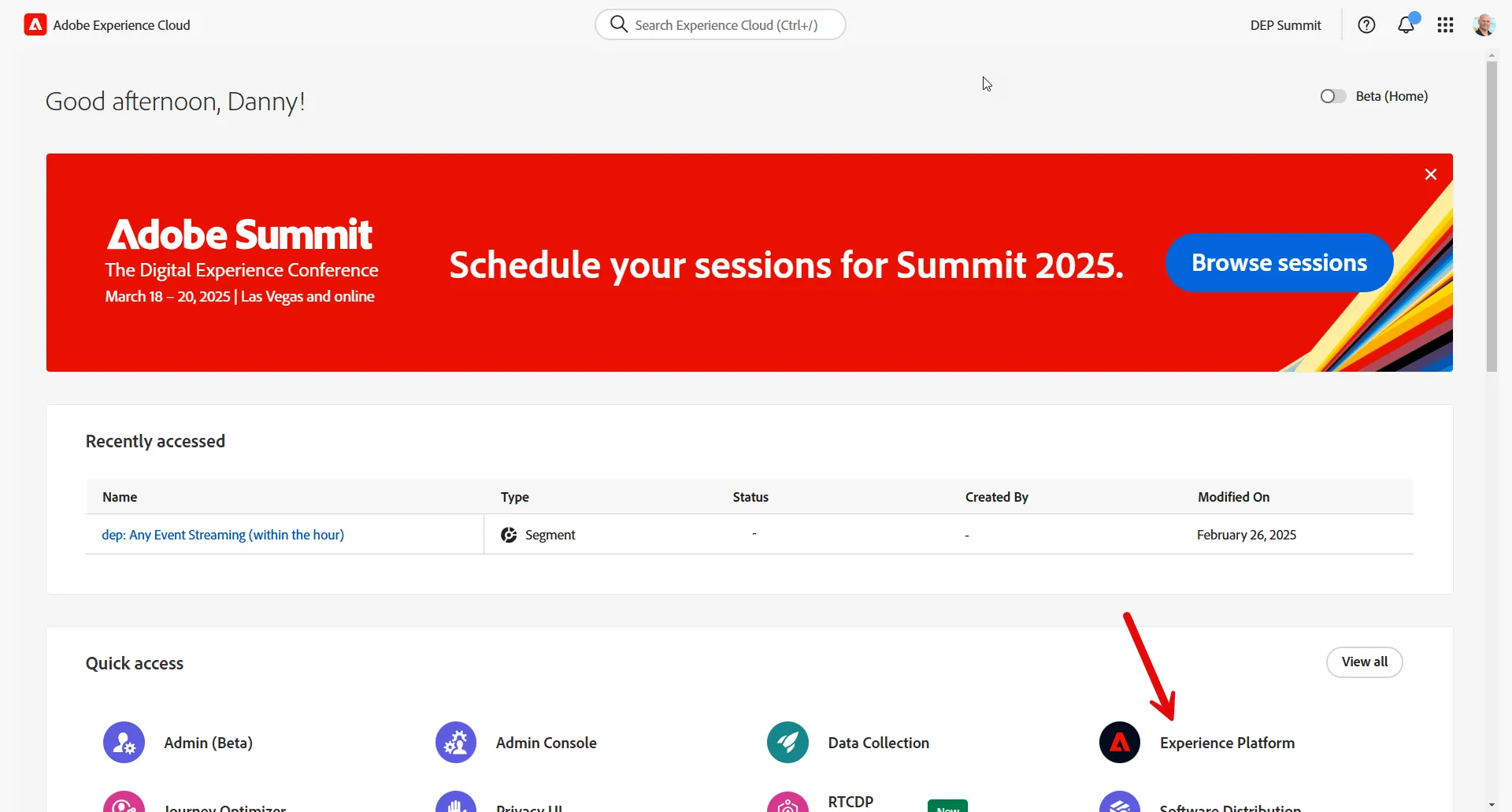
- Once logged in, if you are on this screen, click on "Experience Platform" under quick access
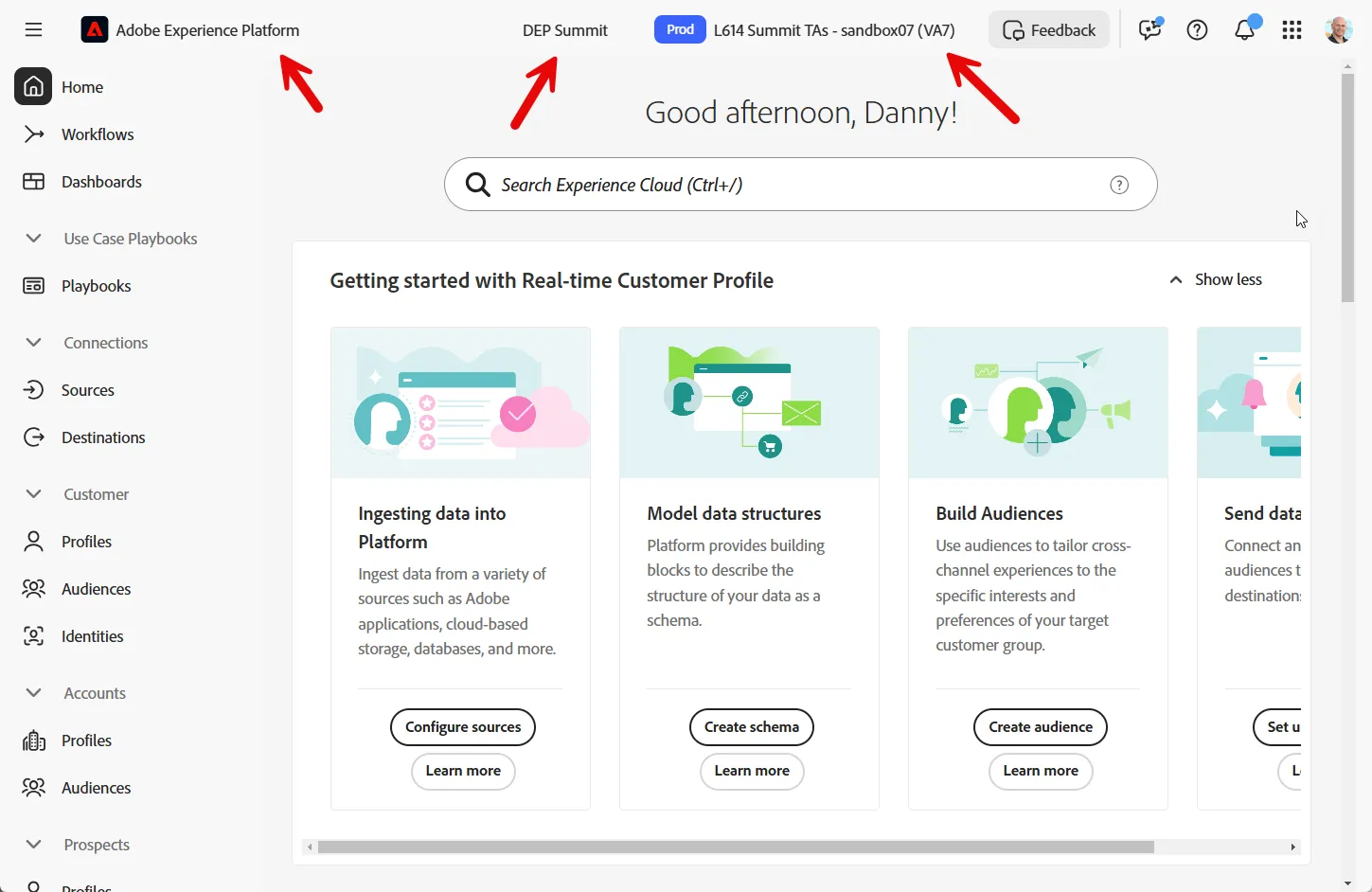
- The sandbox you should see in the top right corner and have access to will be: DEP Summit - sandboxXX
- XX is your assigned seat number. For example, if your seat number is 99, then your user name will be: DEP Summit - sandbox99