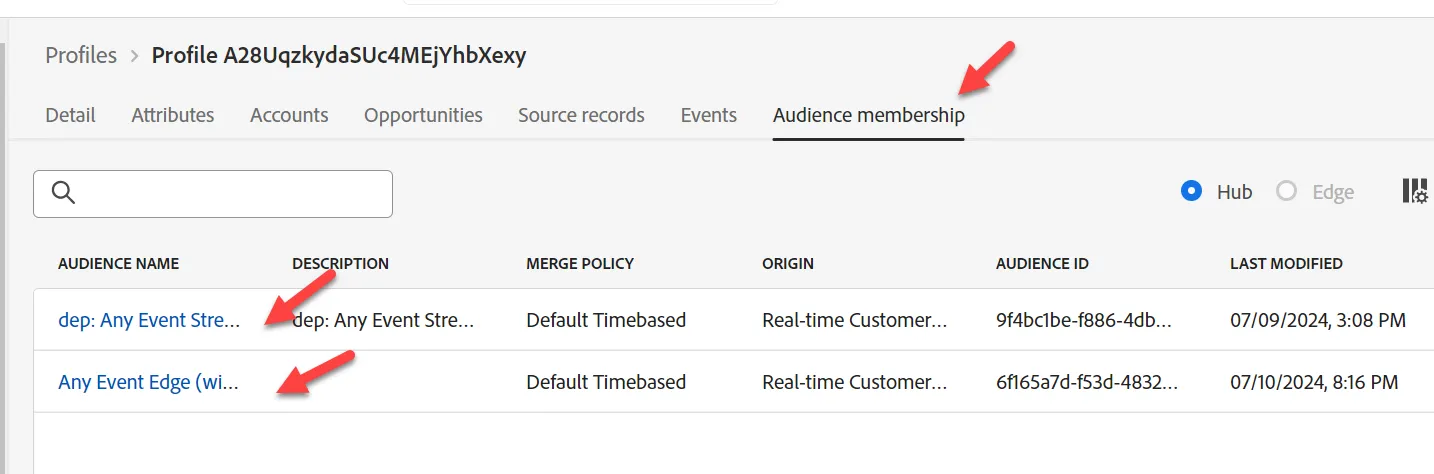
How to Lookup the Profile
Go to AEP
Navigate to Profiles on the left rail -> Browse to perform the lookup using the following information:
- Merge policy -> Default Time-based
- Identity Namespace -> Email
- Identity Value -> this will change depending on the email you sent in on the Event. Use that value here.
- You will use different emails for your events. Each different email will create a separate profile (with the depeche.mode eventually merging with your email into one profile):
- Web Event to Hub: "{{SANDBOX_NAME}}@dep.com"
- Order Event to Hub: "{{SANDBOX_NAME}}@dep.com"
- Click View to lookup up the profile
- Click on the Profile ID to open the profile
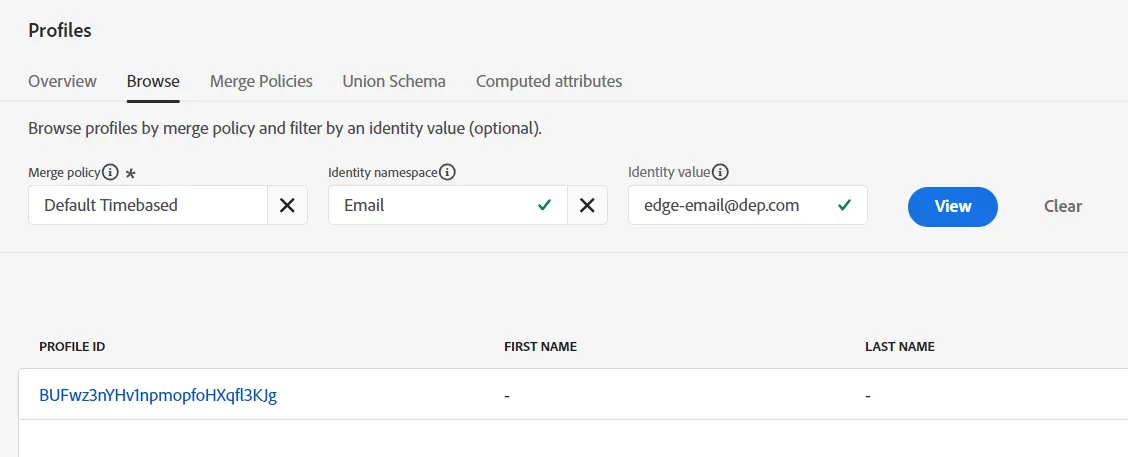
Lookup profile
3. Click on Events in the top nav and you can see the event you just sent in. They will vary from the screenshots below depending on which events you have recently sent in.
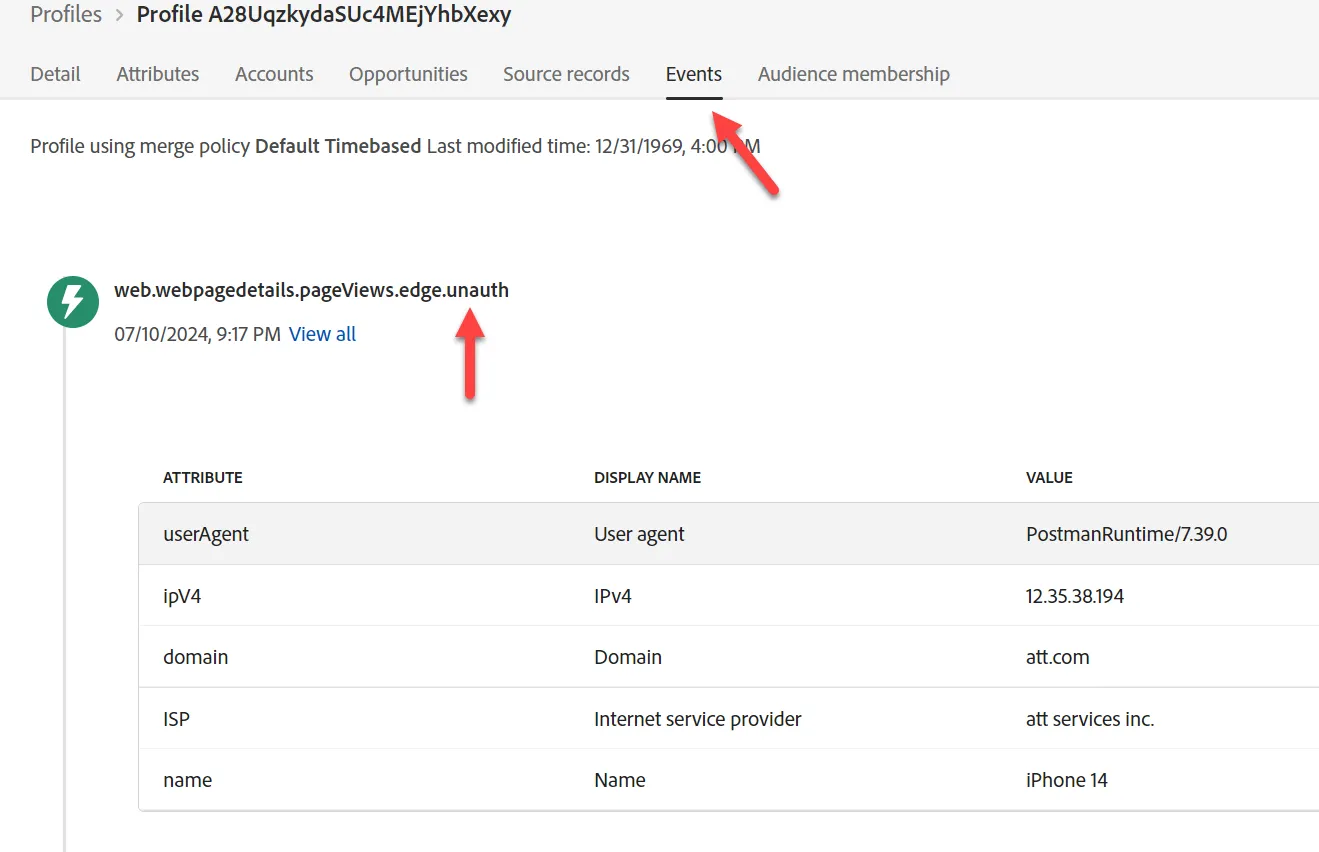
View the profile event
4. By clicking on the Audience Membership tab in the top nav you will see which audiences they qualified for depending on which events you recently sent in.