API Collection
Postman API Collection
This file should already be on your desktop. It is included here as a backup.
Import Postman Collection
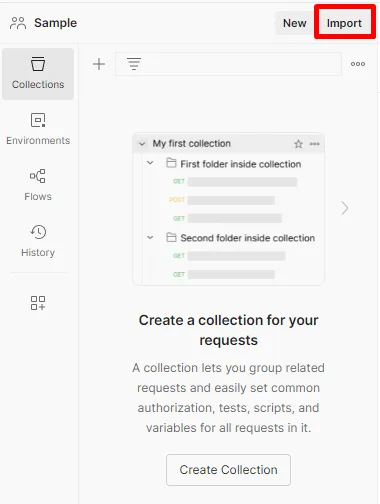
In Postman on your local machine, navigate to Collections and click on the Import button within your workspace.
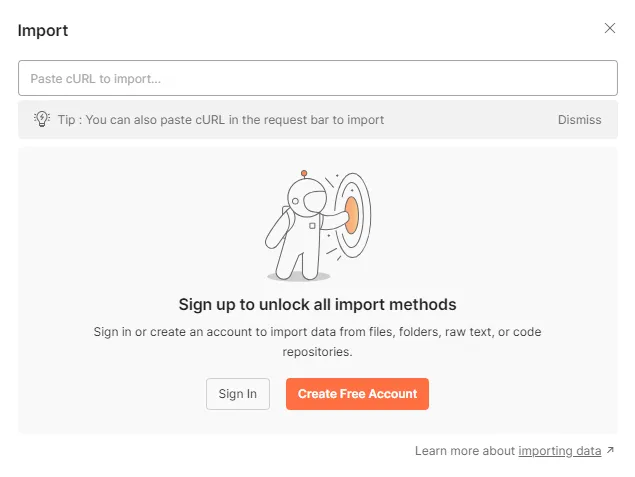
If you see this when you click on Import its telling you that you need to create an account which should have done in the Postman Overview section
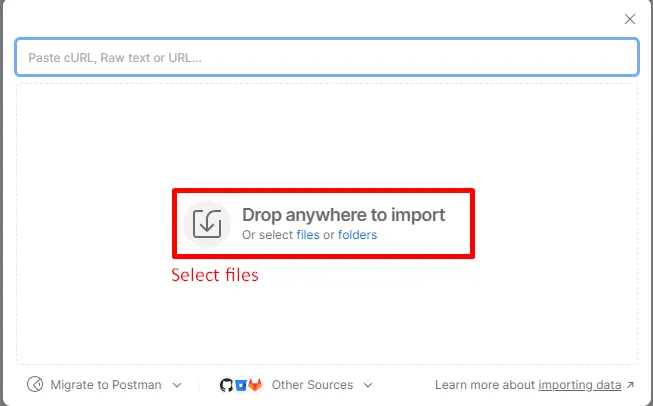
On the resulting screen click on files as shown below
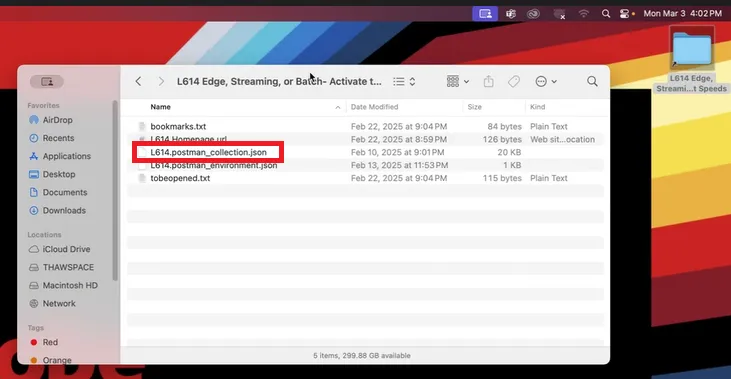
Navigate to the directory on your desktop titled L614 Edge, Stream... and select the file L614.postman_collection.json and double click it to import it.
Its important you import the right file so double check before you double click it.
You should now see a collection populated under the left sidebars Collections tab called Adobe Summit L614
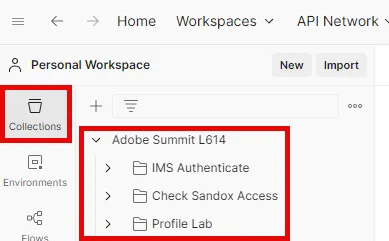
Collection Overview
The API collection you imported contains all the necessary API calls you will need for labs throughout the bootcamp. Each lab is organized into a specific folder with its own set of APIs. Please be aware of this as you work through labs this week.
Details about each folder can be found below:
- IMS Authenticate - contains a single request to generate an access_token which is required when working with any of the Adobe Experience Platform APIs
- Check Sandbox Access - Checks that you have access to your lab sandbox
- Profile Lab - contains a set of requests for interacting with Adobe Experience Platform, Adobe Edge Network and the Real-Time Customer Profile
Congratulations! You have successfully imported the Postman Collection