Login
- Navigate to https://experience.adobe.com in your browser or click the link on your desktop.
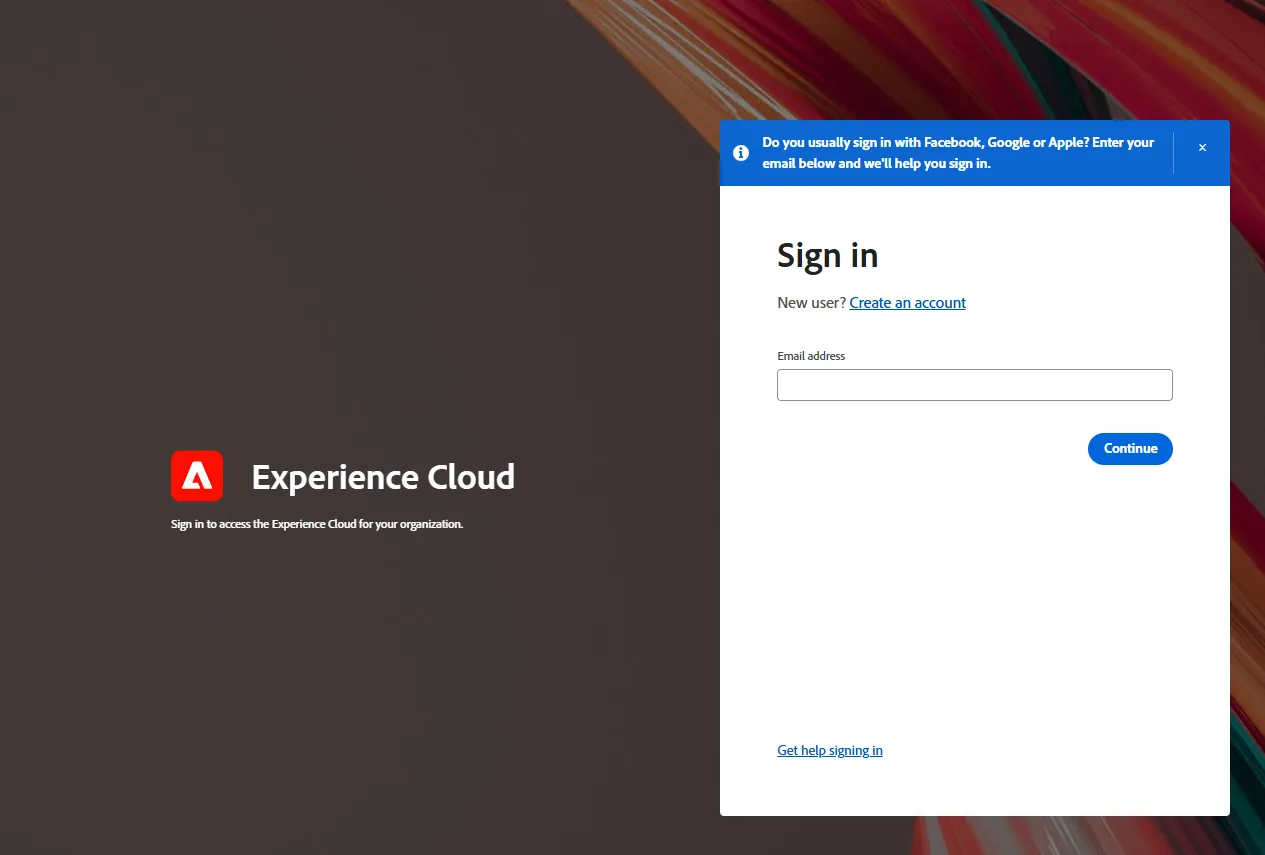
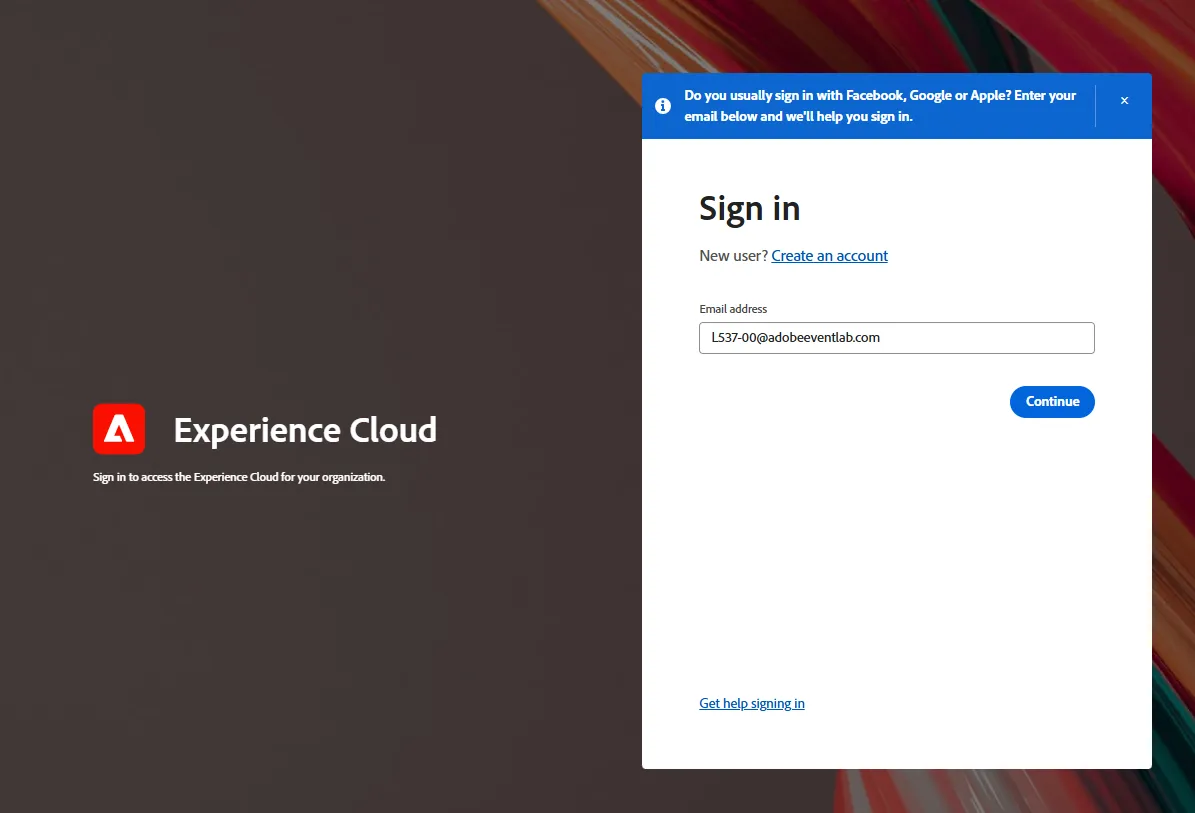
- Login using the email address constructed like so: L537-[Your Seat Number]@adobeeventlab.com (i.e. [email protected]) Then click the Continue button.
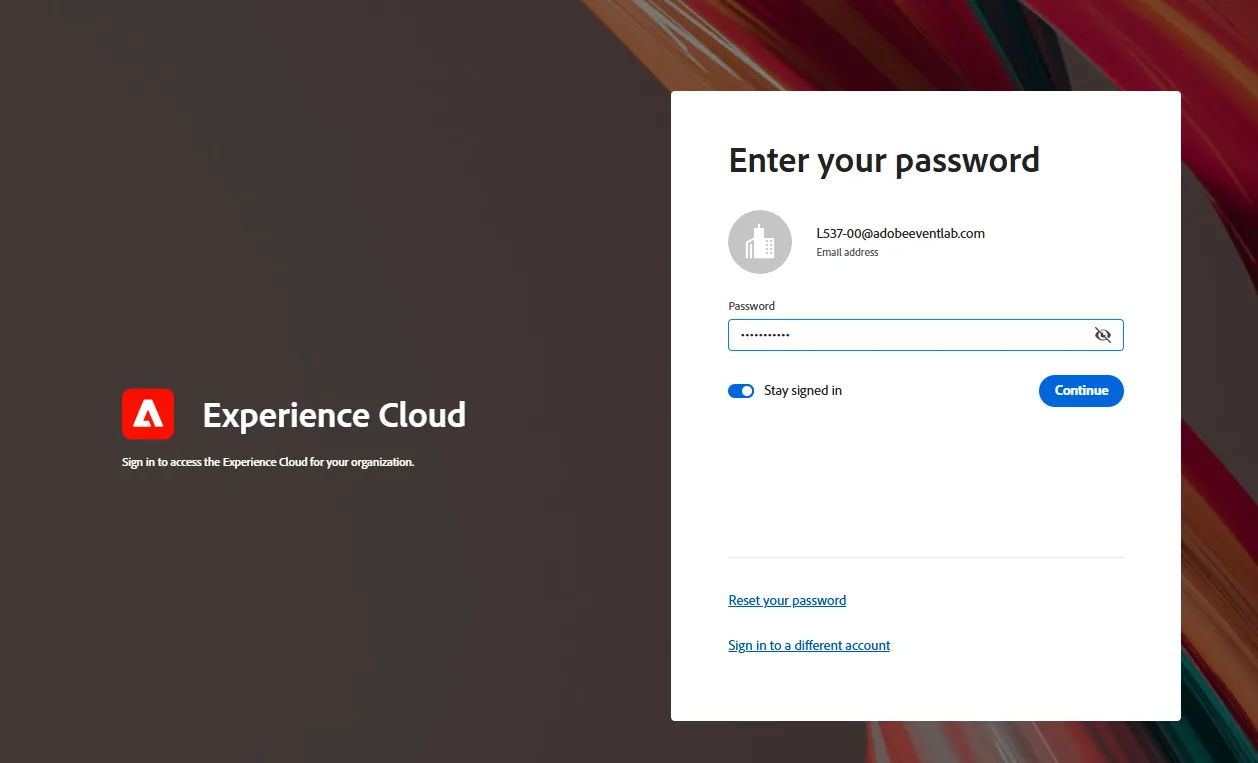
- On the password screen simply enter the following: Summit2026!. Then click the Continue button.
- Click on the Journey Optimizer icon found within the Quick Access panel.
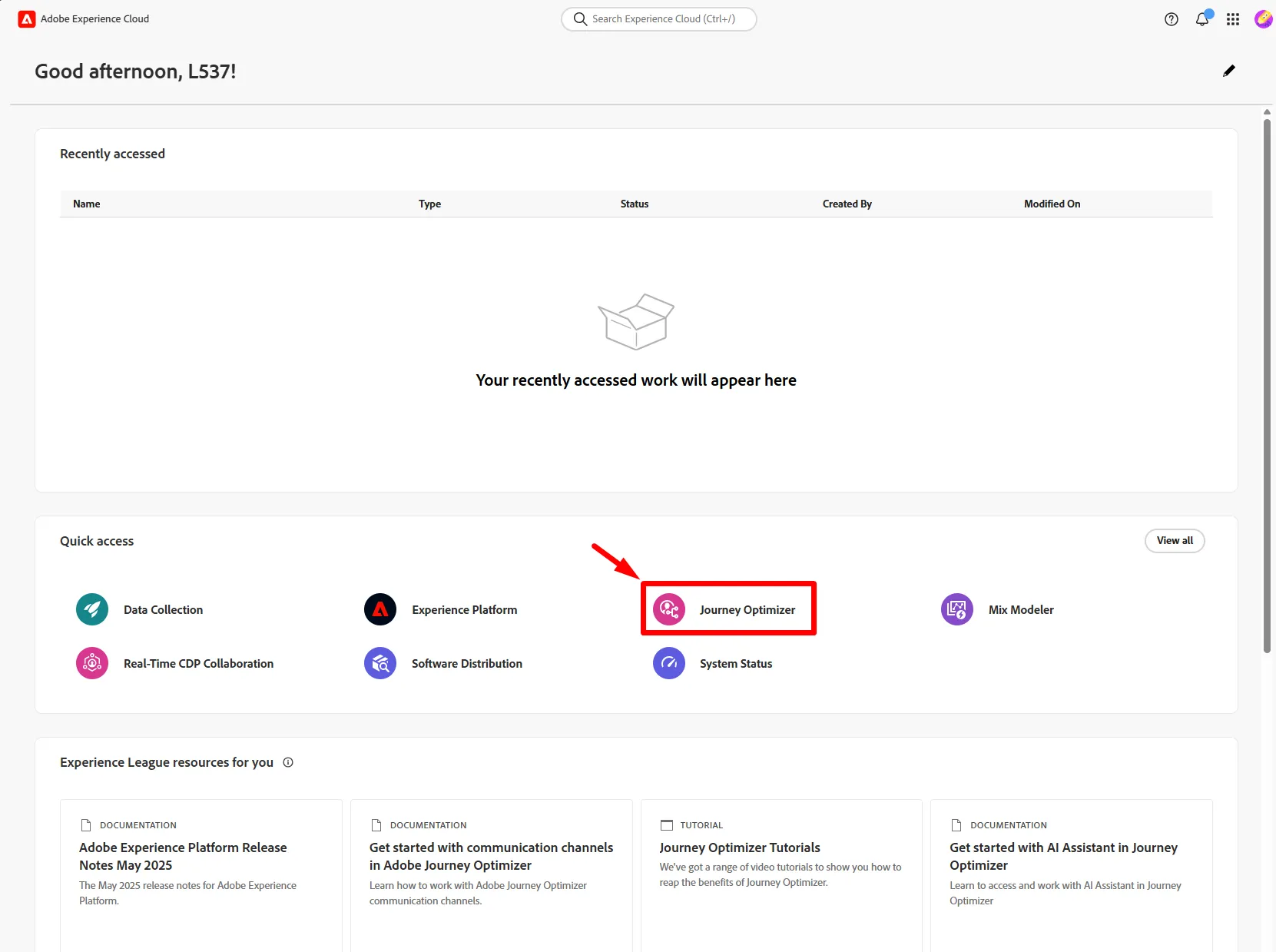
You may not see this screen and be launched directly into the Journey Optimizer.